If your business website runs on WordPress, you're in good company. It powers a huge number of small business sites, and for good reason: it's flexible, familiar and easy to edit. But an old WordPress site that hasn't been looked after for a while can quietly become a weak spot. Recent security incidents, including the one known as PHP2Shell, are a useful reminder of that.
This article explains why updates matter so much, how to check your own site in a few minutes, and when it might make sense to move to something newer instead.
Why WordPress security comes down to updates
Your website isn't one piece of software. It's several, stacked on top of each other:
- PHP, the programming language your server uses to run WordPress.
- WordPress itself, often called "core".
- Your theme, which controls how the site looks.
- Your plugins, the add-ons for contact forms, booking, shops, galleries and so on.
Each layer is written by different people, and each one occasionally turns out to have a flaw. When a flaw is found, the people behind it usually release a fix. The problem is that the fix only protects you once it's installed. Attackers know this, so they scan the web for sites still running older versions.
That's the real lesson from incidents like PHP2Shell. The specific details vary from one attack to the next, but the pattern is familiar: a known weakness, a fix available, and sites that never applied it.
What can happen if an old WordPress site is left alone
Most owners don't notice anything at first. That's part of the risk. A compromised site might:
- Send visitors to scam or spam pages.
- Have hidden links or pages added that harm your search rankings.
- Be used to send junk email, which can get your domain blocked.
- Expose details people have entered into your forms.
- Be flagged by browsers or Google as unsafe, so customers see a warning instead of your homepage.
For a local business, any of these means lost enquiries and a clean-up bill. Prevention is far cheaper.
How to check your WordPress site in ten minutes
You don't need to be technical to do a basic check. Log in to your WordPress dashboard and work through these steps. If you'd rather not, send this list to your developer and ask them to confirm each point.
1. Check your PHP version
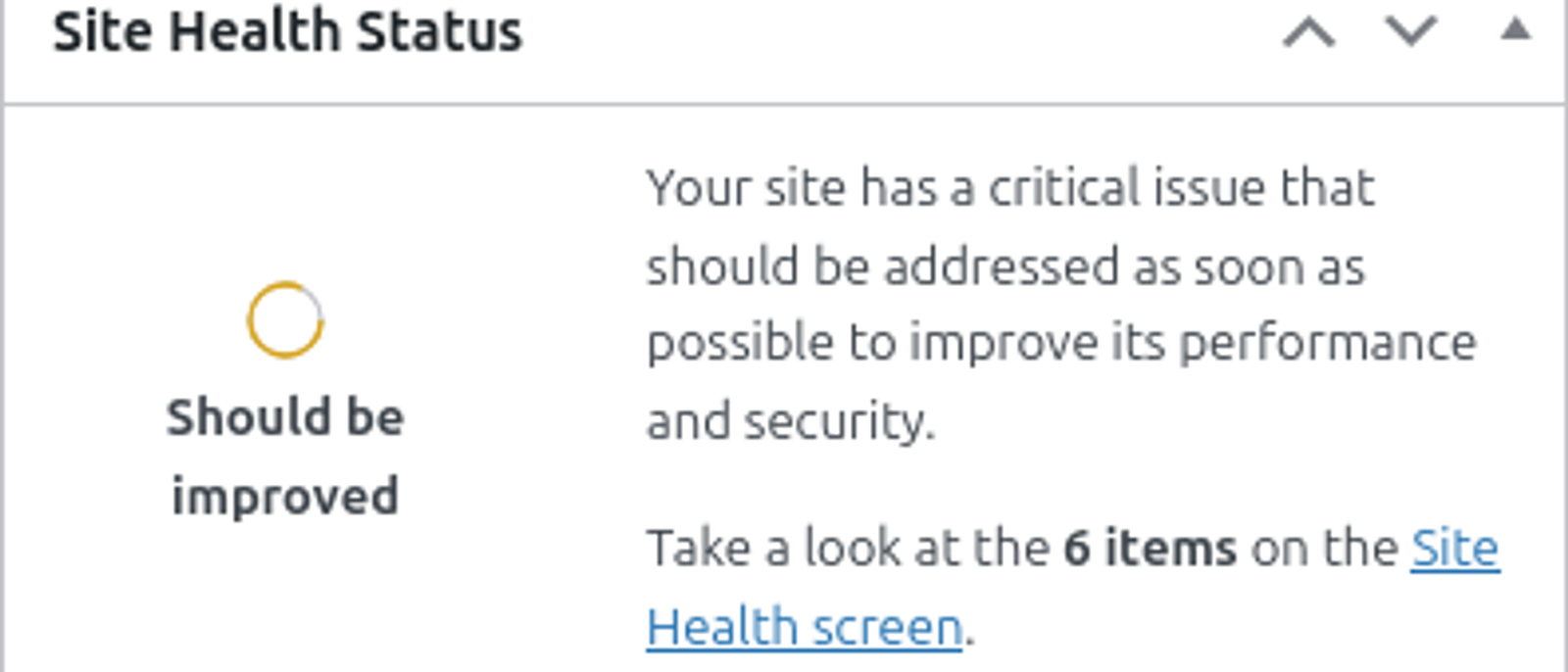
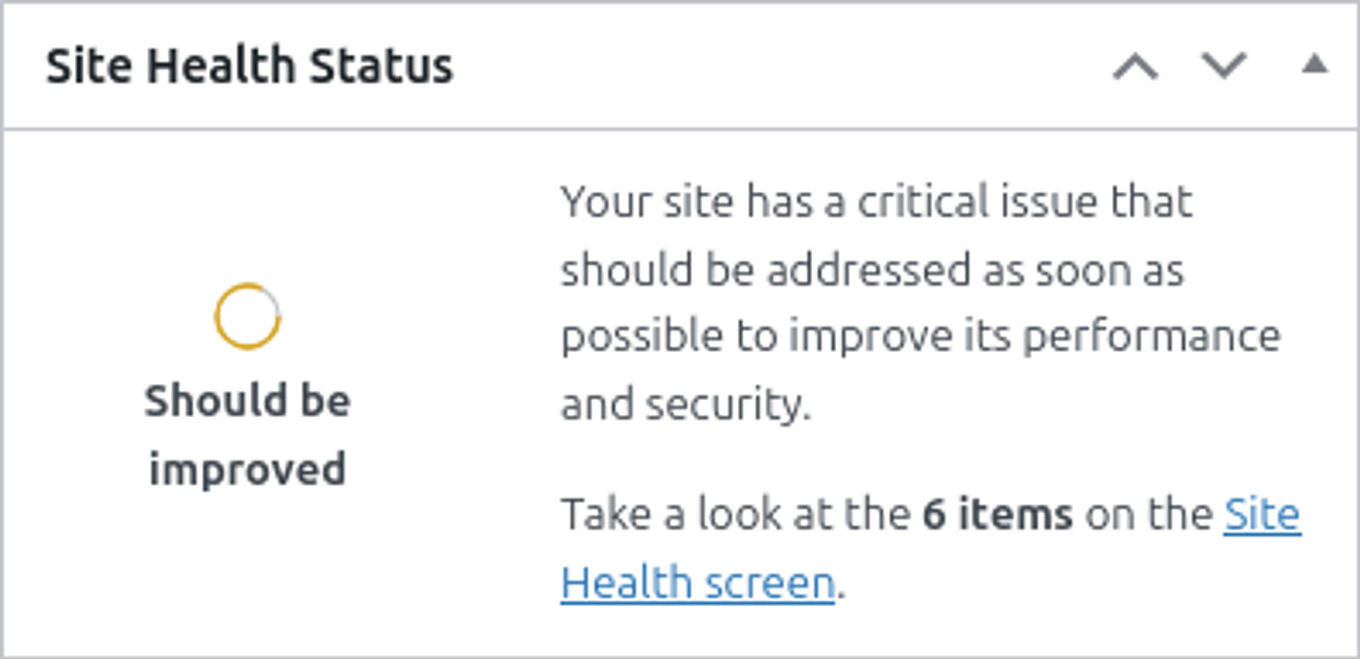
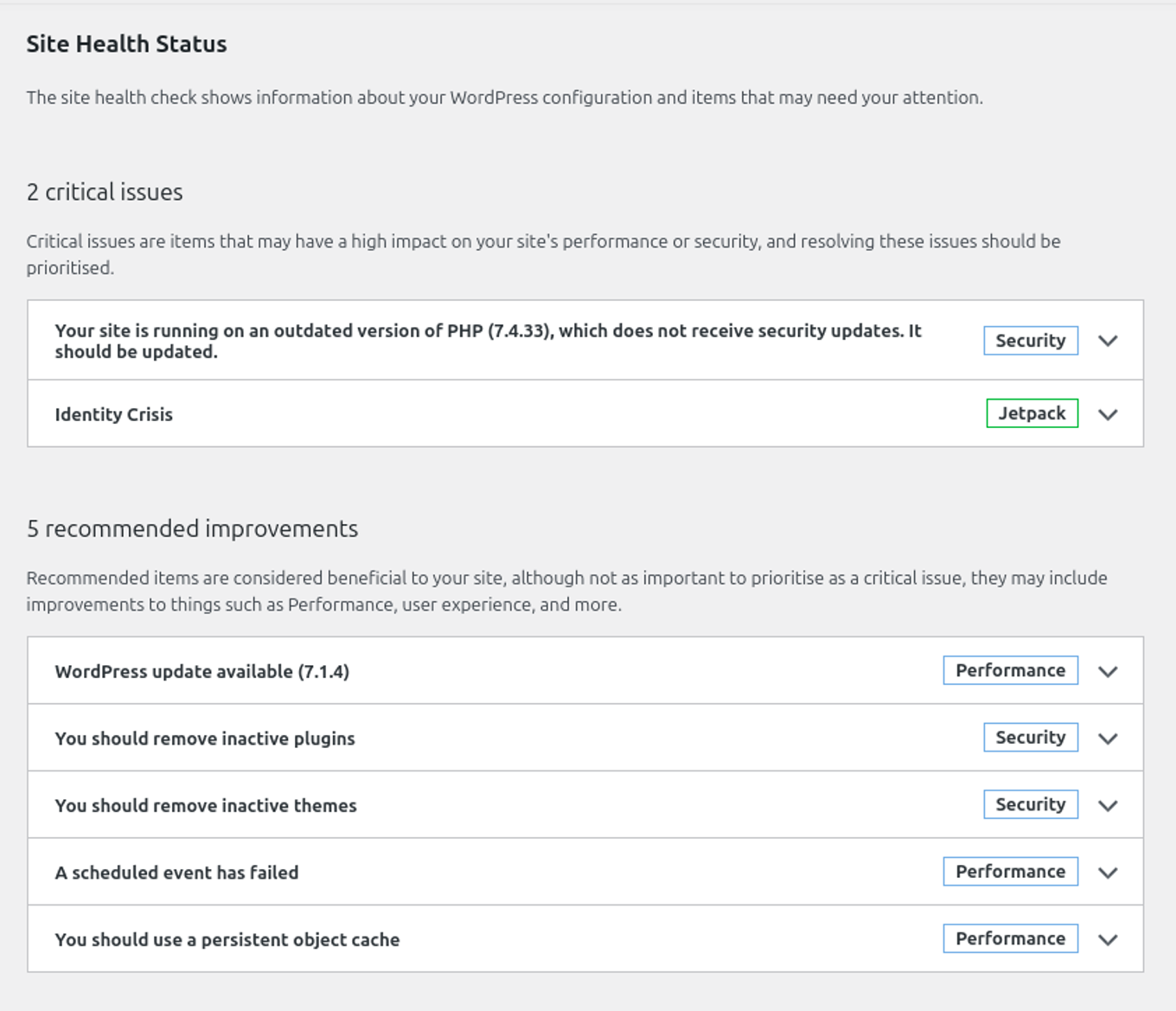
Go to Tools, then Site Health, then the Info tab. Open the Server section and you'll see your PHP version. Site Health will often warn you if it's out of date. You can also compare it against the list of supported versions on the official PHP website. If yours is no longer supported, it no longer gets security fixes. PHP is usually updated through your hosting company, so you may need to ask them.
2. Check WordPress core
Go to Dashboard, then Updates. It will tell you if a newer version of WordPress is available.
3. Check plugins and themes
On the same Updates page, and under Plugins, look for anything waiting to be updated. While you're there, look for:
- Plugins you no longer use. Deactivate and delete them.
- Plugins that haven't been updated by their makers in a long time. These may have been abandoned.
- Themes you aren't using. Remove all but your active theme and one default.
4. Take a backup first
Before updating anything, make sure you have a recent backup you can restore. Updates occasionally clash with older plugins or themes, especially on a site that has fallen well behind. This is where a developer earns their keep.
For a quick look at the wider picture beyond your website, our five-minute security check for small offices is a good companion to this list.
When updating gets difficult
Sometimes a site is so far behind that updating isn't simple. The theme might break on a newer PHP version. A key plugin might have been abandoned. A developer may have customised things years ago, and nobody remembers how.
At that point you have two sensible choices. You can invest in bringing the existing site up to date and keeping it there. Or you can treat it as a good moment to rebuild on something newer.
A modern alternative: headless CMS and WordPress migration
A "headless" content management system separates the part where you edit content from the part visitors see. You still log in and update your pages, but the public website is built separately, often as fast, simple pages that don't need PHP running behind them.
For a small business, that can mean:
- Fewer moving parts to attack. With no PHP and no stack of plugins on the public site, there's less to keep patched.
- More flexible content. You can set up content to match how your business actually works, such as services, staff, locations or products, rather than squeezing everything into posts and pages.
- Speed. Simple, pre-built pages tend to load quickly, which helps visitors and search rankings.
- Lower upkeep. Less routine maintenance can mean lower ongoing costs, though this depends on the site.
A common worry is losing the plugins you rely on. In most cases, the job a plugin did can be rebuilt or replaced with a dedicated service, whether that's a booking tool, a contact form or a newsletter sign-up. Part of a good WordPress migration is listing what each plugin does for you and making sure nothing important goes missing.
Headless isn't right for everyone. If your current WordPress site works well and can be kept up to date easily, there's often no need to change. It's a choice worth making with clear eyes, not out of panic.
Not sure which route suits you?
We do both. If you'd like to keep your current site, our hosting and maintenance service can update it, secure it and keep it that way. If you're ready for something new, our website design and development team can plan a move that keeps your content, your search rankings and the features you depend on.
Either way, a short conversation is a good place to start. Get in touch and we'll take a look at where your site stands.